Quick How To's

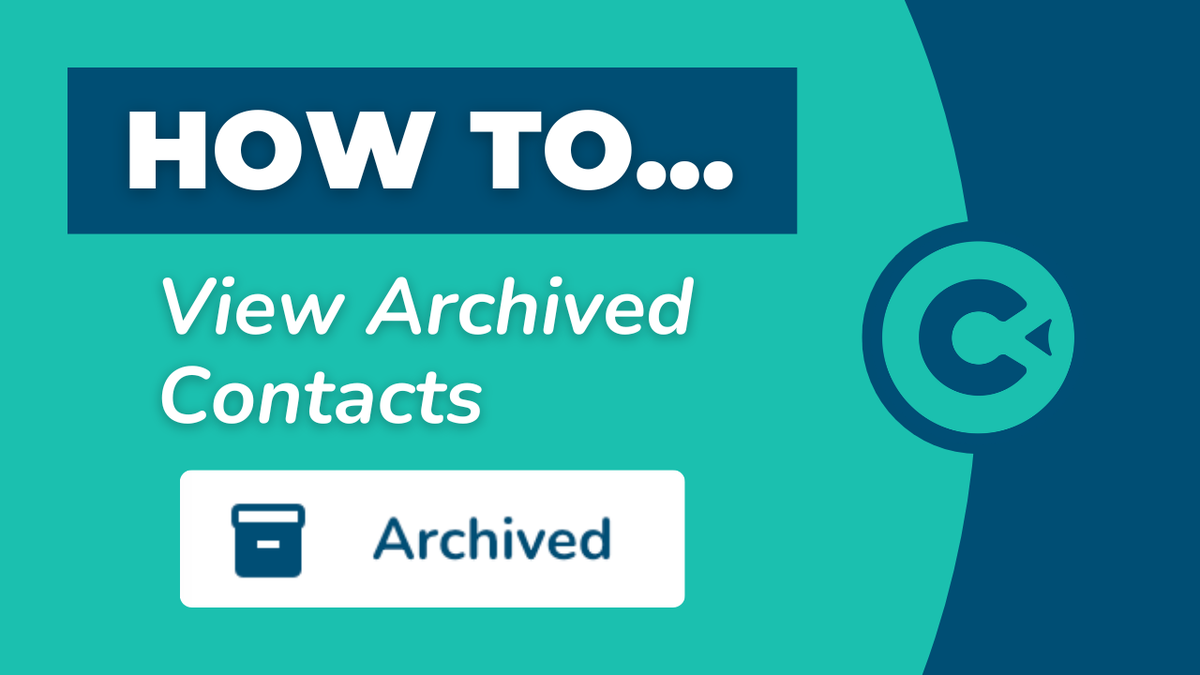
How to View Archived Contacts

This step-by-step walkthrough answers the questions: "How do I find archived contacts?", and "How do view archived contacts?"

How to View Archived Contacts

Step-by-Step Walkthrough
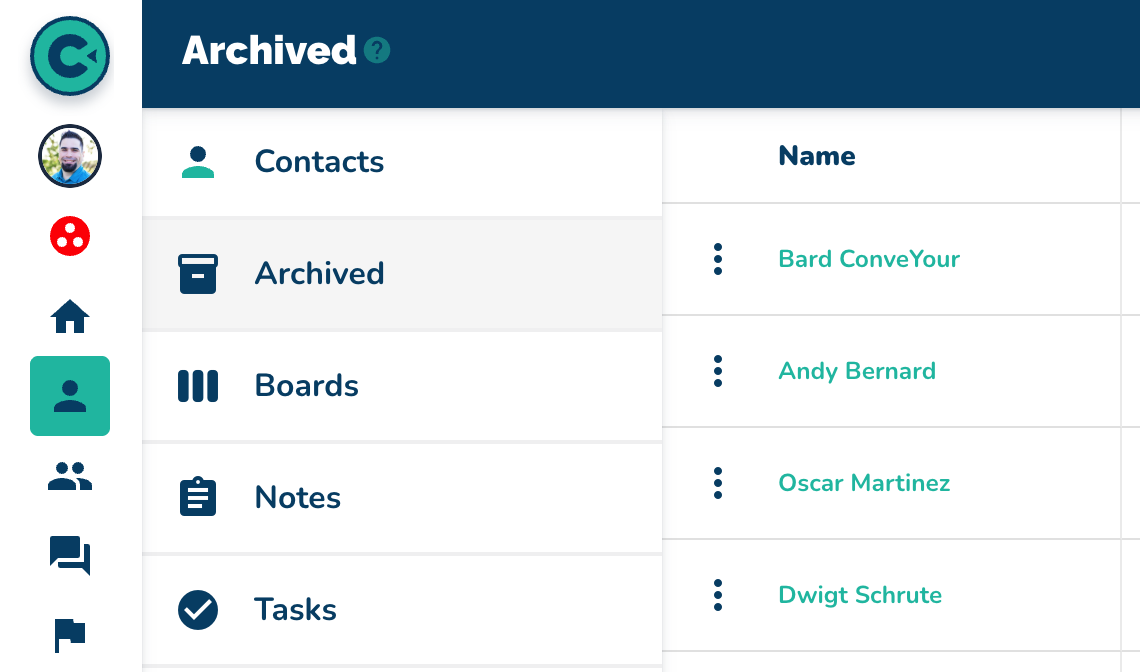
  1. Navigate to the "Contacts" page.

  2. Click on the "Archived" section.

  3. View the list of archived contacts.

  4. Select an archived contact to view details.

    Notice there is a timestamp for when the contact was archived.


    NOTES:

    • archived contacts cannot receive text messages or emails

    • previously accessed content is now denied to archived contacts

    • archived contacts are not removed from campaigns but cannot see any campaign

    • activity associated with archived contacts is retained

    • unarchiving contacts allows them to resume their place in the campaign with all previous content

    • archived contacts will not be visible on the contacts page

    • navigate to the archived section to search for specific archived contacts

More in Quick How To's

How to Add a Single Contact

Quick How To's

How to Add a Single Contact

This step-by-step walkthrough answers the questions: "How do I add a contact?", "How do I add a single contact?", and "How do I add one contact?"

How to Import Contacts

Quick How To's

How to Import Contacts

This step-by-step walkthrough answers the questions: "How do I import a list of contacts?", and "How do I add multiple contacts at once?"

How to Update Contacts

Quick How To's

How to Update Contacts

This step-by-step walkthrough answers the questions: "How do I update a contact?", "How do I change a contact's status?", and "How do I edit a contact's information?"

How to Search for Contacts

Quick How To's

How to Search for Contacts

This step-by-step walkthrough answers the questions: "How do I find a contact?", "How do I contacts?", and "Is there a way to search for people?"