
Searching with ConveYour Commands
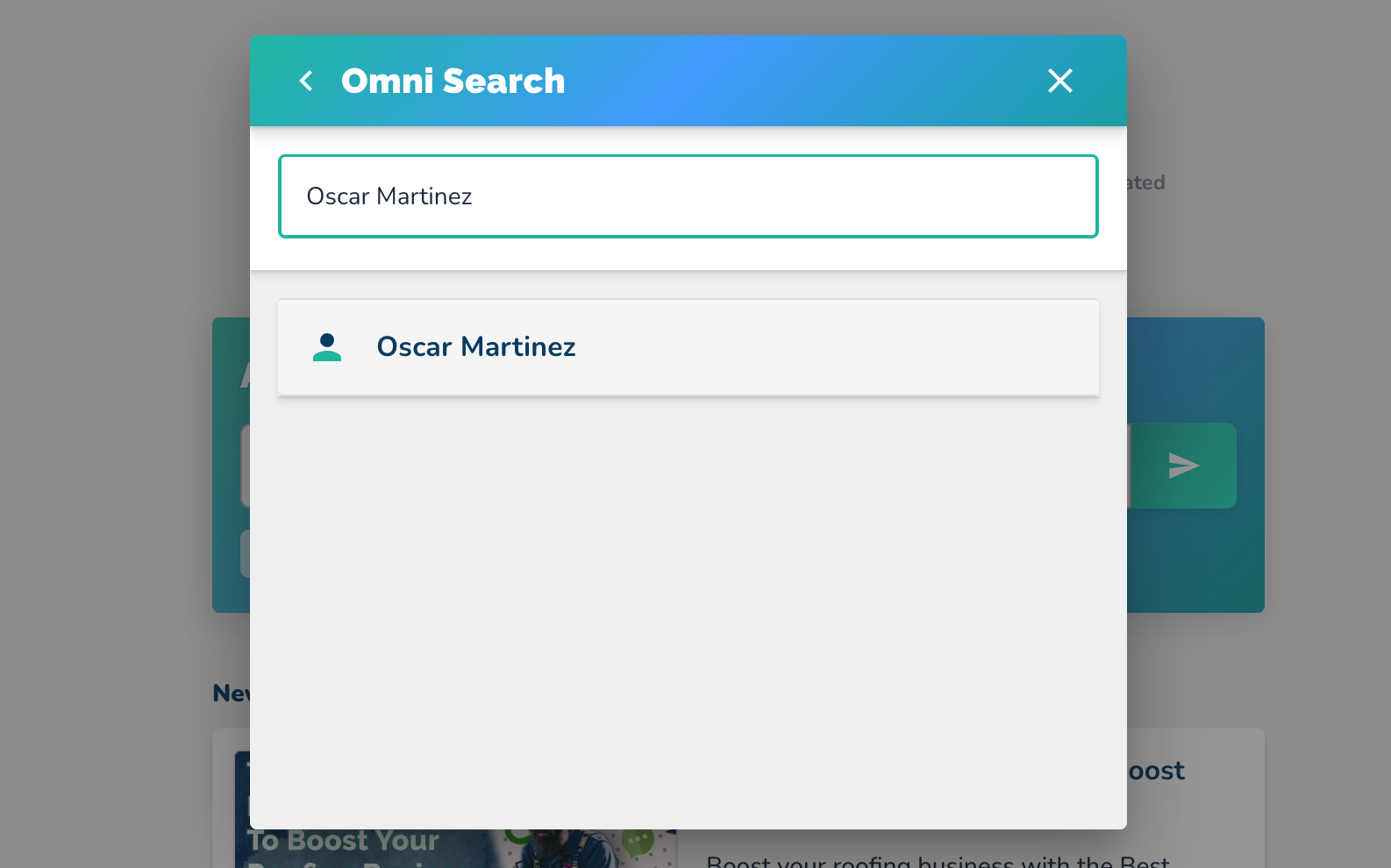
Click on the ConveYour logo or press Command K (Mac) or Control K (PC) to open the search interface.
Type in the name of the contact (e.g., "Andy Bernard") to perform a search.
Retrieve the contact information for the searched name.
Searching from the Contact’s Page
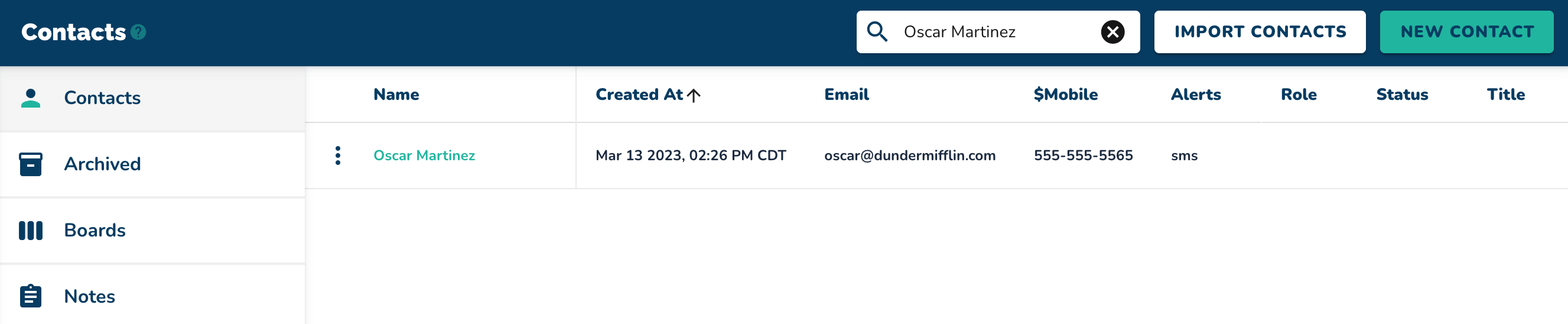
Navigate to the "Contacts" page.
Utilize the search bar at the top to type in a contact’s name (e.g., "Andy Bernard") and press Enter.
Clear the search bar and type "colon" to view all field options.

Type "Manager" to search for contacts based on their manager's name (e.g., "Josh Porter").
NOTE: you will have to have a field “Manager” for this to work but this works for any other one of your field types.
Hit Enter to pull up a list of contacts who report to the specified manager.
Observe the results showing contacts (e.g., "Andy" and "Jim") managed by the specified individual.
Searching Based on a Common Field
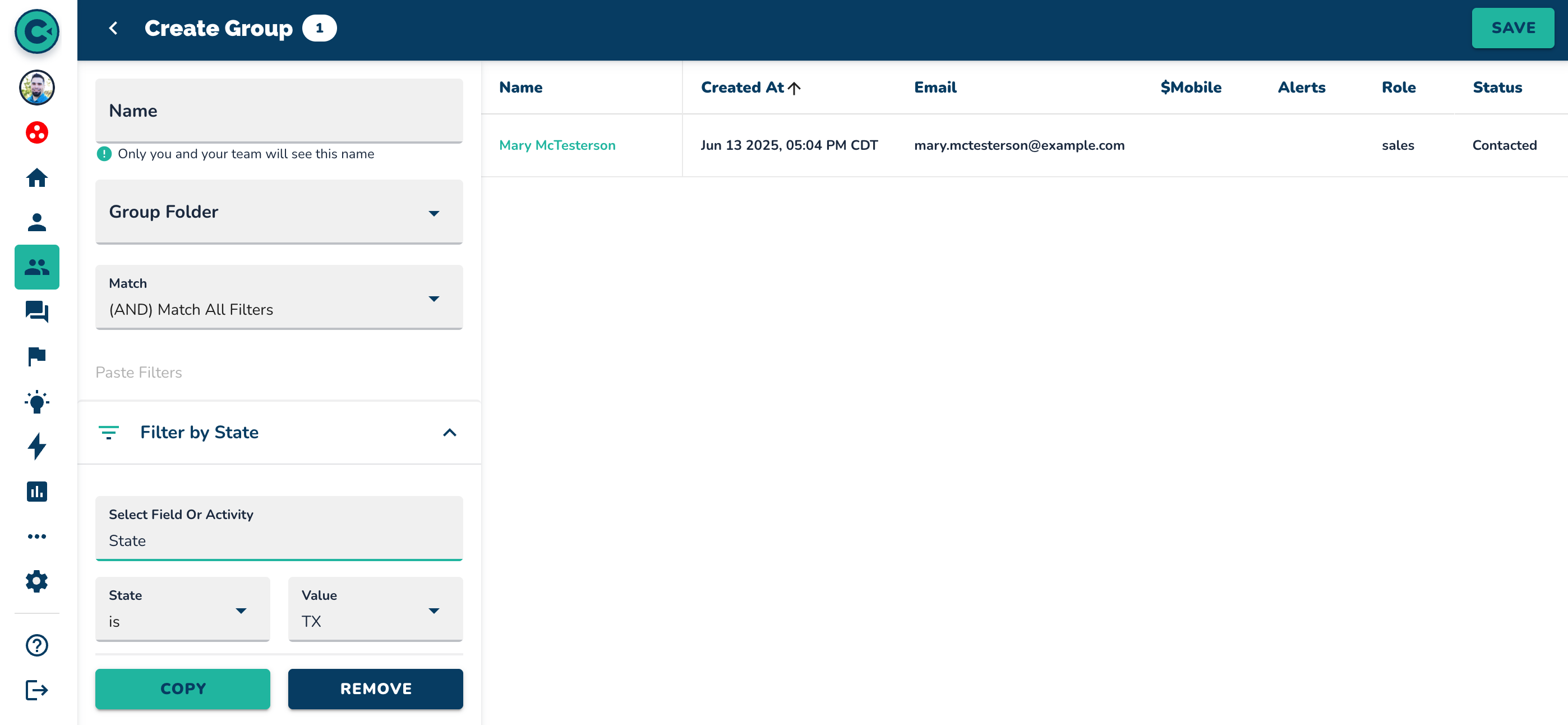
If unsure of a name but know a specific detail (e.g., state), look at a known contact's details (e.g., Jim Halpert's state: Pennsylvania).
Click on the magnifying glass icon to perform a search for contacts in that state.
Review the populated list of contacts within the selected state (e.g., Pennsylvania).
Save the filtered group by naming it (e.g., "Penn") and clicking "Save" in the top right corner.
Use the saved group to conduct further searches (e.g., checking if "Andy Bernard" is in Pennsylvania).
Confirm the contact's presence or absence from the saved group.
NOTE: additional searches can be done using Groups. Those are covered in the “How To” videos for the Groups page