
Help docs
Groups
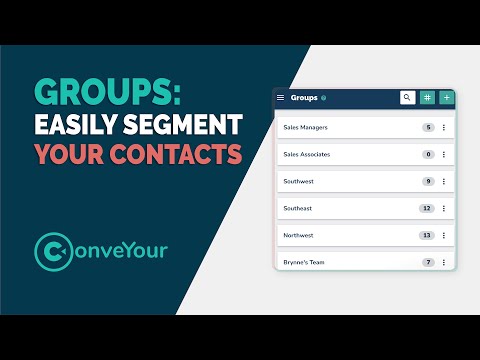
ConveYour's powerful Groups feature helps you organize and automate your contact management, letting you focus on doing what you do best.
Groups
Groups Introduction
Dynamically segment your contacts using groups in ConveYour
Groups
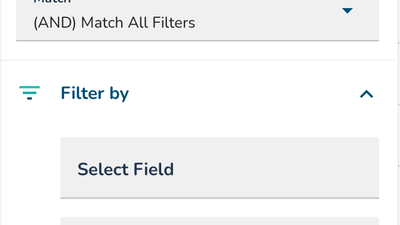
Group Creation, Filtering and Setup
Learn how to create and setup groups to segment your contacts.
Groups
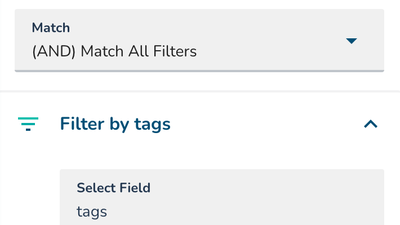
Group Filtering and Condition Examples
Examples on how you can segment your contact list into different groups using filters and conditions.

Groups
Working with Tag Groups
Tag groups can effectively be used for sorting existing contacts and new contacts or leads.
Groups
Creating a Group from Individual Course Activity
Easy creation of a group based on the activity of an individual in your course.
Groups
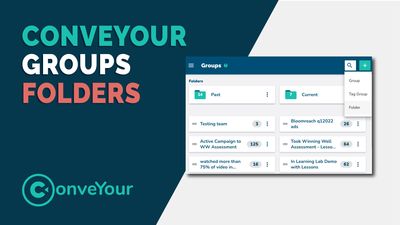
Groups Folders
Organize your groups by using folders.
Groups
📅 How to Create a Group matching a Specific Timeframe (Expression Filters)
This guide will walk you through Time Field Expression Filters using Greater Than and Less Than terminology.
Groups
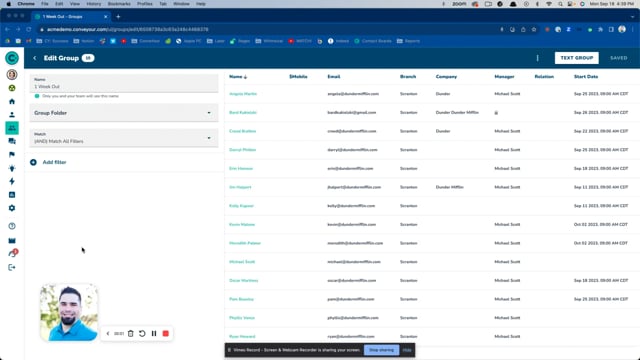
How to Add Date Expressions to Group Filters
This guide will walk you through creating a custom "Time" field and setting up groups based on time filters. Use this for scheduling important events, interviews, or tracking start dates on contact profiles.