
Help docs
Contacts
Easily view and manage your entire team with ConveYour's Contacts feature - store all relevant info with our custom fields and filter your team down using Groups!
Contacts
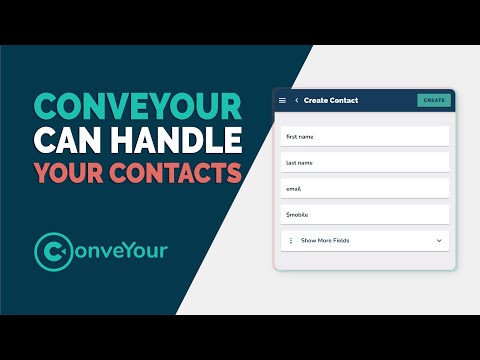
An Overview of Contacts
Introduction to working with contacts in ConveYour

Contacts
Uploading or Importing Your Contact List
Quickly and easily import your contacts into ConveYour
Contacts
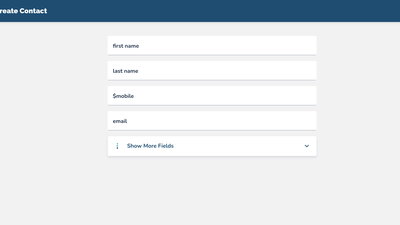
Add a Single Contact
Adding a single contact to your ConveYour account.
Contacts
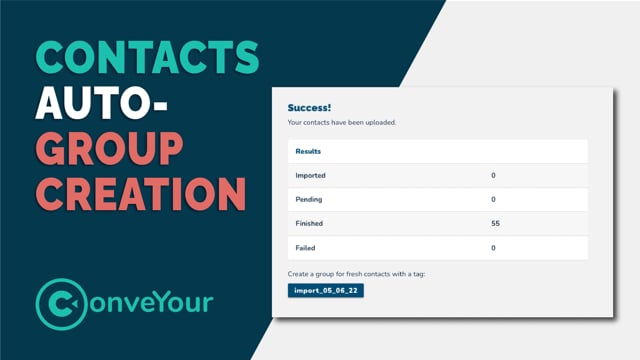
Automatic Group Creation on Upload
ConveYour automatically tags and creates a group when you upload a database list of contacts
Contacts
Downloading From ConveYour or Pulling From Other Applications
How to get ConveYour contacts from ConveYour and pull contacts from other applications.
Contacts
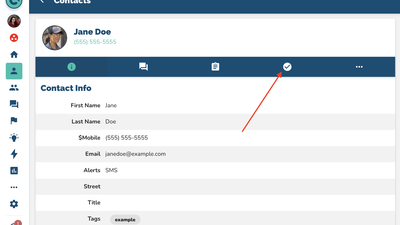
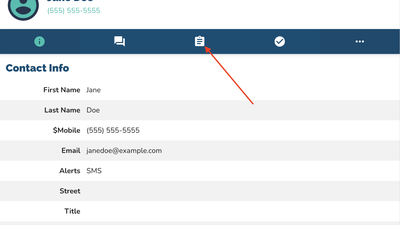
Tasks Assigned to Contacts
Add tasks to contacts or team collaborators and check on task progress in ConveYour contacts.
Contacts
Contact Notes
Adding notes to contact profiles, and sharing notes with other collaborators in ConveYour contacts.

Contacts
Boards
Tracking process or activities for contacts using ConveYour Contact Boards
Contacts
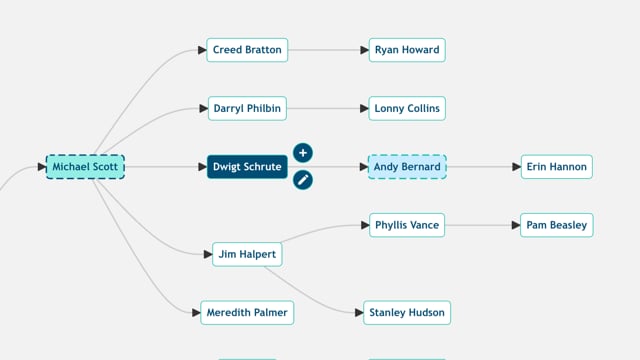
Contact Relationships
Contact Relationships allow you to view your org chart (or downlines as a hierarchical tree)! You can easily see which contacts are recruiters, supervisors, or managers based on your related contact fields.

Contacts
Related Contacts
Related Contacts help you create and track downlines up to 30 levels deep! You can easily assign a contact to another to track who recruited which contacts.