Quick How To's

How to See Ended Campaigns

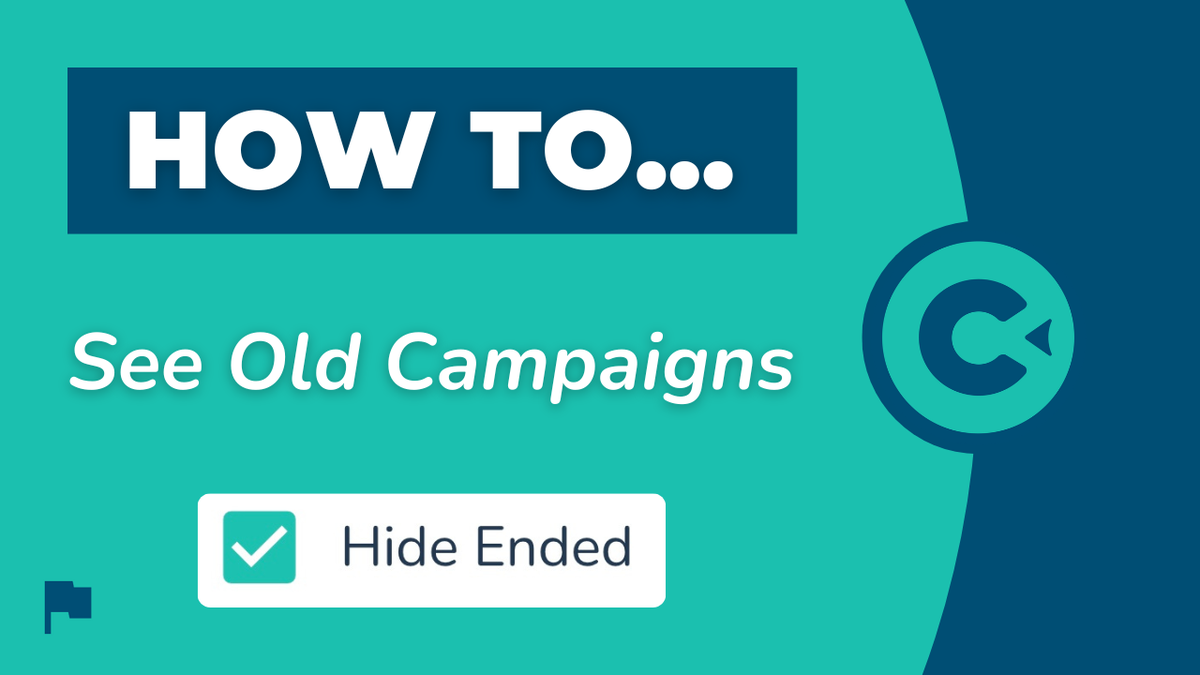
This walkthrough answers the questions: How do I see ended campaigns? How do I view old campaigns? Where do I go to see ended campaigns?

How to See Ended Campaigns

Step-by-Step Walkthrough

This is how you can see or view your old ended campaigns.

  1. Navigate to your Campaigns page and deselect the Hide Ended box.

  2. When you do this, you'll view all of your old campaigns (your ended campaigns that are not running any longer).

NOTE: These are not deleted campaigns, they are ended campaigns. If you have deleted a campaign, you will not be able to get it and we cannot reinstate it for you.
More in Quick How To's

How to Add a Single Contact

Quick How To's

How to Add a Single Contact

This step-by-step walkthrough answers the questions: "How do I add a contact?", "How do I add a single contact?", and "How do I add one contact?"

How to Import Contacts

Quick How To's

How to Import Contacts

This step-by-step walkthrough answers the questions: "How do I import a list of contacts?", and "How do I add multiple contacts at once?"

How to Update Contacts

Quick How To's

How to Update Contacts

This step-by-step walkthrough answers the questions: "How do I update a contact?", "How do I change a contact's status?", and "How do I edit a contact's information?"

How to Search for Contacts

Quick How To's

How to Search for Contacts

This step-by-step walkthrough answers the questions: "How do I find a contact?", "How do I contacts?", and "Is there a way to search for people?"