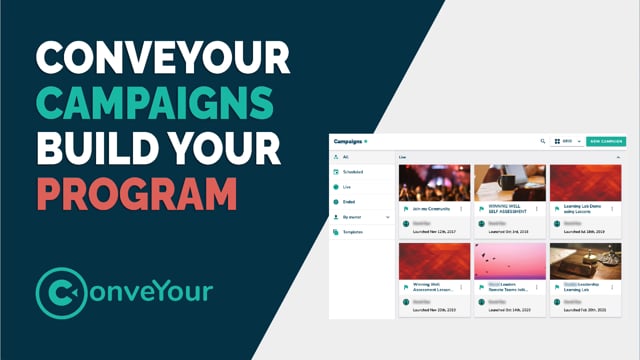
What Is a Campaign?
A campaign in ConveYour is a container for messages, lessons, and interactions that make up a course, internal training, communication series, or follow-up program.
In ConveYour, "course" and "campaign" are often used interchangeably.
Similar to marketing campaigns, ConveYour campaigns deliver structured content to a target audience through a series of lessons or messages.
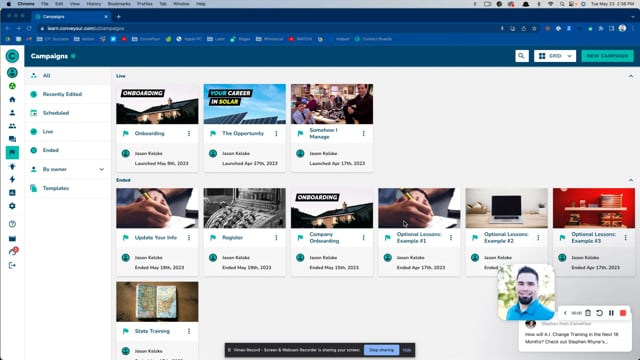
The Campaigns Interface
When Should You Use a Campaign?
Use a campaign when you need to:
Deliver a structured learning series.
Send a sequence of messages that lead to a learning outcome.
Automate a training program or a lead magnet sequence.
Where to Find Campaigns
From the Main Menu, locate Campaigns just below Conversations.
Do You Need a Campaign to Share Lessons?
No! You can share a folder of lessons instead.
Use Case: A sales team needs on-the-go access to product training. Instead of a structured campaign, they can access a shared folder of lessons as a searchable knowledge base.
Learn more about sharing lesson folders >>
How to Set Up a Campaign
Step 1: Define Your Campaign
Before creating a campaign, consider:
Your objective – What outcome do you want?
Campaign name – Keep it clear and relevant.
Target audience – Who should receive the content?
Step 2: Build the Campaign
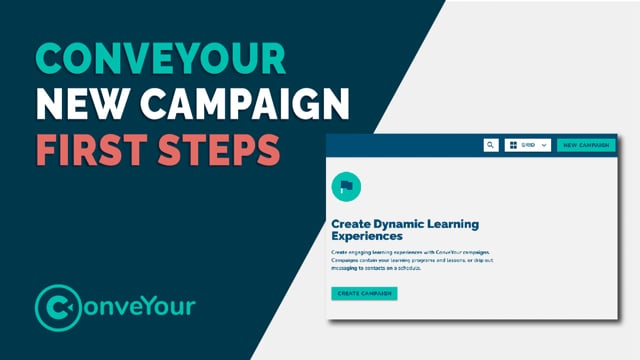
Navigate to Main Menu > Campaigns and select New Campaign.
Select whether you would like to build a new Campaign or use an existing template.

Select your preferred content release method:
Based on contact joint date: Ideal for courses or sales funnels where learners will receive scheduled content independently of anybody else.
Based on a specific date: Ideal for event- or time-based courses where all learners need to receive course content at the same time.
Build a Workflow! Workflows allow for even greater flexibility and customization around content releasing.
Learn more about Workflows here >>
Fill out the Campaign Information (name, description, audience, alert email address, banner picture).

Add Lessons, Messages, and Content using the drag-and-drop builder.
Campaign Features & Tools
Quick Search & Filters
Easily find campaigns using search and filtering tools.
Designed for users managing hundreds of active campaigns.

Drag-and-Drop Content Creation
Quickly schedule and organize lessons, SMS messages, emails, and more.

Bulk Add/Remove Learners & Reset Progress
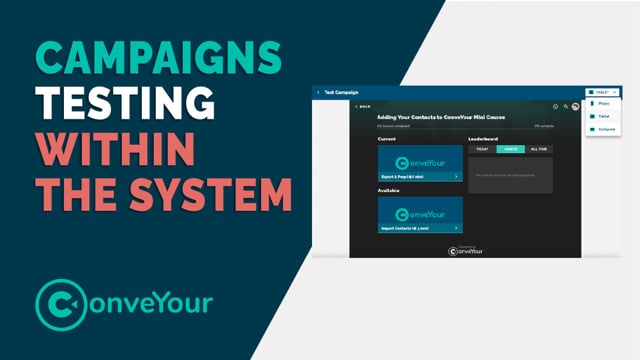
Easily add testers and reset progress when refining a campaign.

Enhanced Campaign Stats
Interactive Engagement Funnel – Click on any lesson graph to view detailed learner engagement.
 By leveraging these tools, you can efficiently create, manage, and analyze your campaigns in ConveYour.