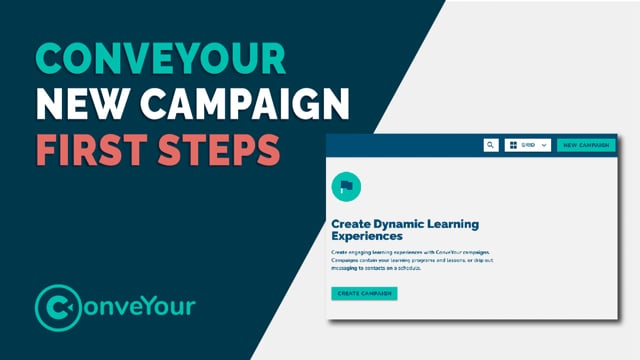
How do I start setting up my campaign?
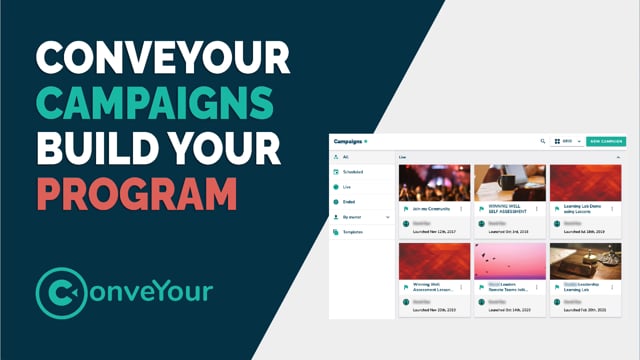
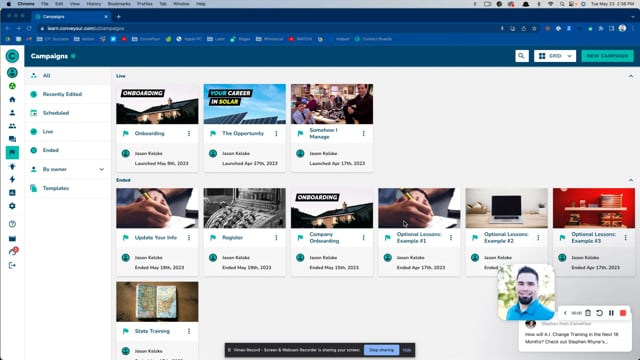
From main menu > Campaigns
Select New Campaign from the top right of your campaign window:
 Next, you are asked if you want to start a campaign from scratch or from an existing template. Assuming you don't have templates created at this point, select New Campaign.
 Then choose whether or not you want all participants to engage with their content based on when they join, or if you need them all to be participating at the same time (as related to a specific talk, event, or lecture).
Learn more about timing considerations here >>
 Now you have your blank slate, and can begin entering your information in the next step.

Next Up >>
While you don't have to think linearly about campaign setup (you can add your content for example, then fill out the information and schedule it to run) we will cover each section individually starting with "Adding Information".