Understanding Audience High-Level Engagement
The Engagement Funnel provides a high-level view of how learners interact with your campaign’s content over time. This feature helps identify trends, monitor drop-off points, and optimize content to improve engagement.
Where to Find the Engagement Funnel
Navigate to Main Menu > Campaigns and select or create your campaign.
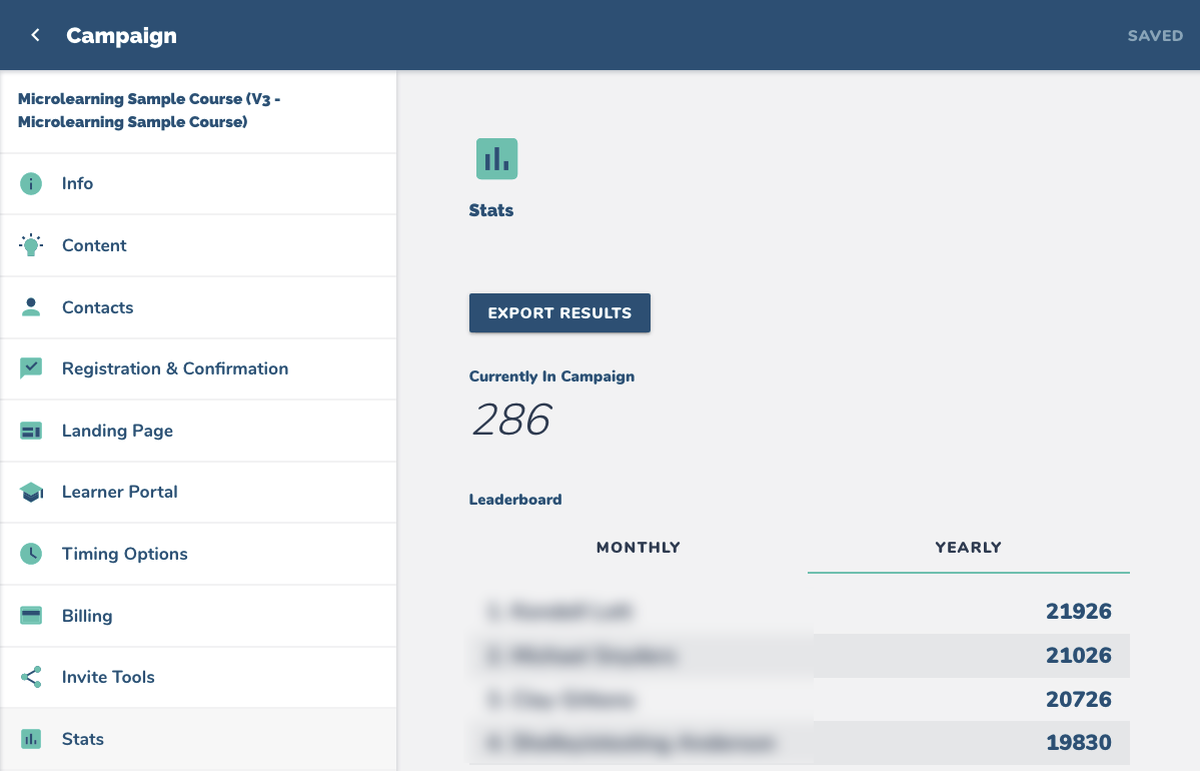
Select Stats from the lower portion of the menu.
The Engagement Funnel is displayed along with other campaign statistics such as:
Total participants currently in the campaign
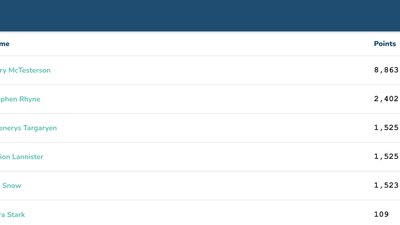
Leaderboard rankings by month or year
Lesson and content engagement over time


How to Use the Engagement Funnel
Identifying Engagement Trends
The funnel visually represents learner progression through campaign content.
A steep drop-off at a specific point suggests that content may need improvement or better engagement strategies.
Improving Content Based on Engagement
If engagement declines significantly at a particular lesson or message, consider adjusting:
Lesson structure (e.g., breaking content into smaller sections)
Engagement methods (e.g., adding interactive elements)
Delivery timing (e.g., spacing out content or sending reminders)
Tracking Compliance-Based Training
For compliance-based courses, the funnel should maintain 100% engagement since all content is required. A lower percentage may indicate that learners are not completing necessary training steps.