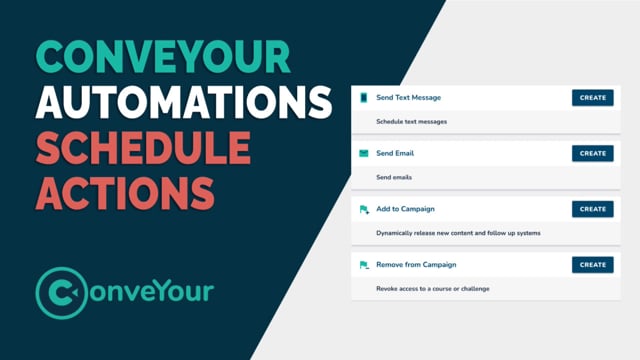
NOTE: This help document was written for a previous version of ConveYour. If you want to schedule an automated text message blast to everyone in a specific group use an automation!
Setup a text message to be sent automatically
Schedule a text delivery based on time or when contact conditions are met
Personalize the text body with placeholders.. Example..
Hi (placeholder), thank you for joining the community!
Don't be scared of placeholders. They are easy to discover. Just start typing {{, then start typing a field name, such as first name, and you will start seeing available placeholders.
Use Cases
Thank people for joining your community
Event management, alert people when sessions are starting
Follow up after the end of your speech. Promote a book signing or something.
Automate re-engagement! Have a member site or e-learning Course? Use SMS triggers to re-engage members that haven't been seen for a while!
Tips
We use Twilio for SMS. You will need to setup Twilio first before sending SMS messages.
Learn More