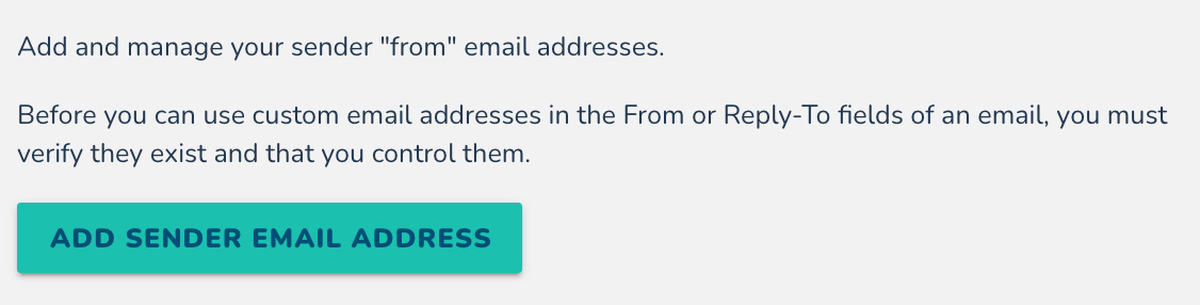
Want your emails to appear as if they’re coming from your own domain? Before you can use a custom email address in the From or Reply-To fields, you must verify that you control it.
Adding a Sender Email Address
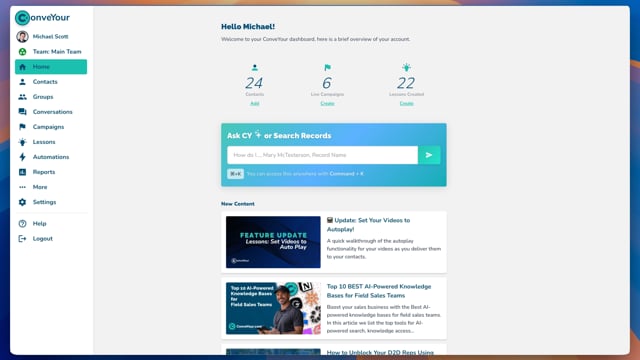
Navigate to Main Menu > Settings > Email Addresses.
Click Add Sender Email Address.

Enter the Sender Name and Email Address.

Click Send Verification Email.

Verifying Your Email with SPF and DKIM
To improve email deliverability, you must set up SPF (Sender Policy Framework) and DKIM (DomainKeys Identified Mail) records with your DNS provider (e.g., GoDaddy, Namecheap, Cloudflare).
While only one of these is required, DKIM is preferred, and using both is best practice.
How to Add SPF & DKIM Records
Go to your DNS provider’s settings.
Add a TXT record for SPF.
Click on the SPF record in ConveYour to copy the provided value.
Paste it into your DNS settings under the TXT record value field.
Save changes and return to ConveYour to click Okay, I Did It, Verify!

Add a TXT record for DKIM.
Click on the DKIM record in ConveYour to copy the provided value.

Paste the full string into your DNS settings under TXT record value field.

Save changes and return to ConveYour to click Okay, I Did It, Verify!
Once the email is verified and both SPF/DKIM records are set up correctly, you will see three green checkmarks confirming successful configuration.
If you need assistance, contact your DNS provider or ConveYour support.
Learn more about Email Verification >>
Using Preferred Sender Addresses
Once verification is complete, you can select your custom email address when:
Sending email blasts
Setting up automated emails
Creating an Email Engagement in a campaign
Using a verified sender address reduces spam filtering and improves deliverability compared to the default system address.